Manage Your Team with Less Friction
Fast game scoring, AI-assisted film review, parent-safe communication, and player development tracking all in one powerful platform.
Start Managing Your TeamSee Coach Tools in Action
Watch how coaches manage teams, track stats, and communicate with parents
Team Management
See how easy it is to manage rosters and schedules
Film Review
Watch how game video, analysis status, and coach review work together
Training + Communication
See player tasks, family updates, and post-game follow-up in one workflow
Built for Busy Coaches
Intuitive interface designed to help you manage your team efficiently
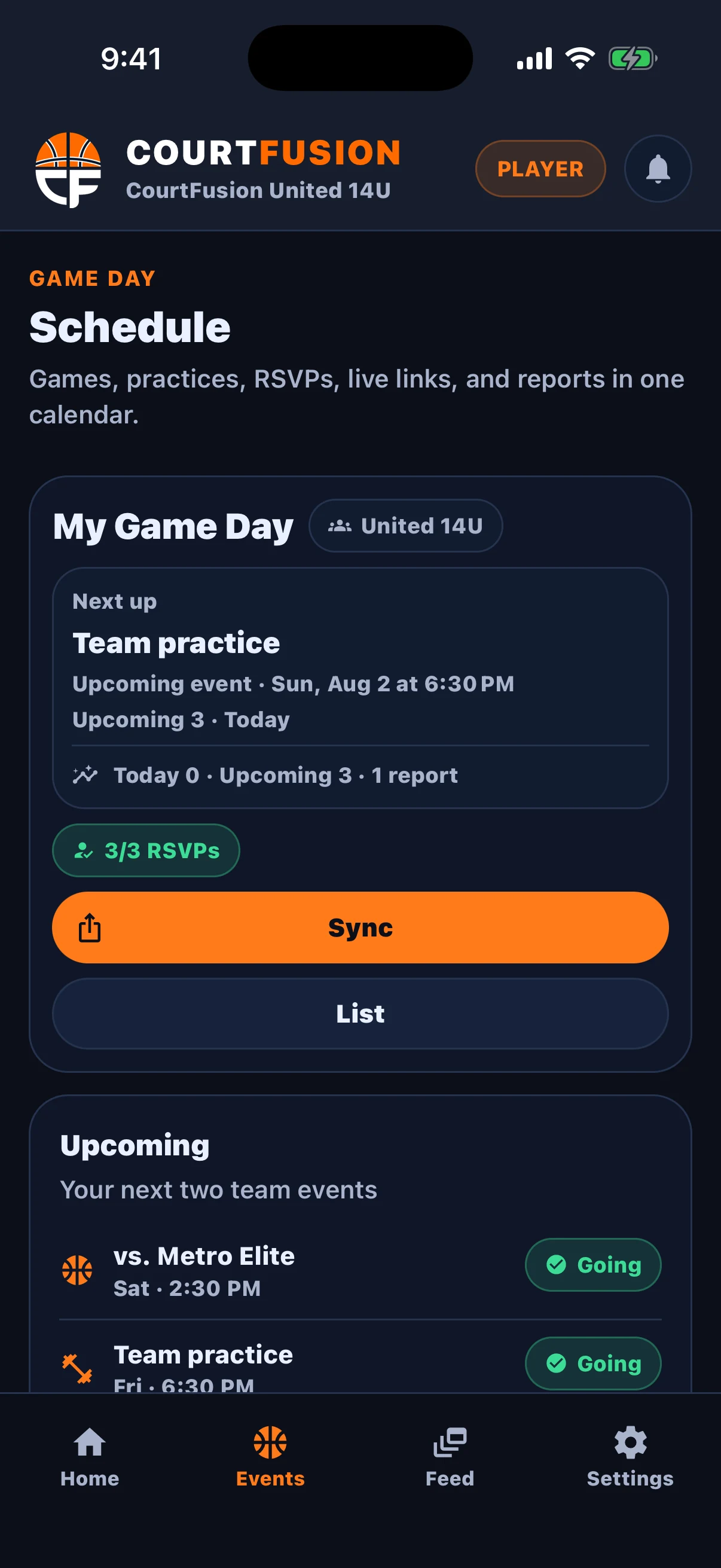
Game-day scheduling and team context
The updated dark UI keeps schedules, game-day details, and team context readable from the bench or after games.
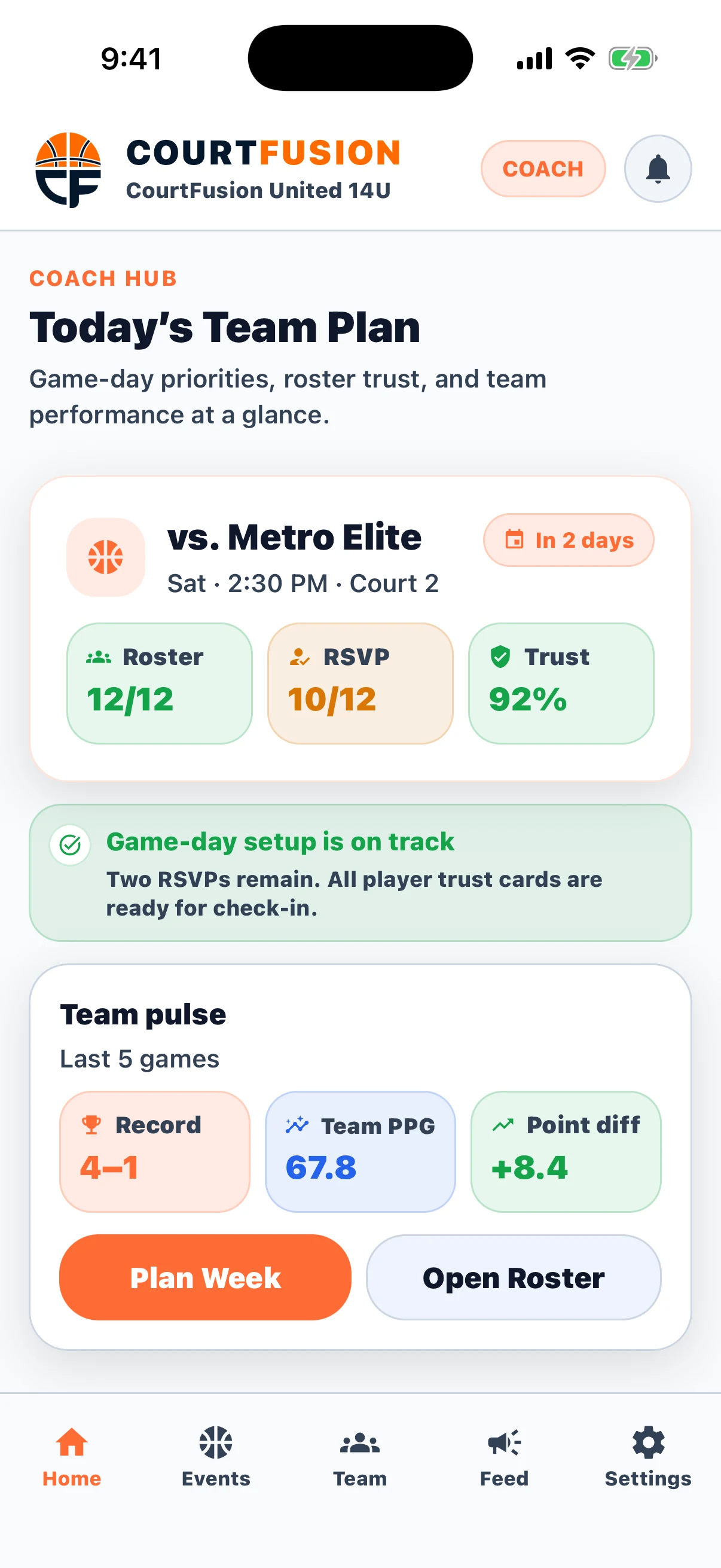
Daytime planning board for coaches
The light layout makes weekly planning, roster context, and quick actions like Add Event or Manage Team feel fast during the day.
Coaches can move directly from roster context into adding events, practices, games, or tournaments.
Player count, record, and team totals stay visible without forcing extra navigation.
Every current screen now carries the enhanced CourtFusion logo and 3.0 visual system.
Fast Game Scoring & Stats
Enter game stats quickly and easily during or after games. Automatically generates team and player summaries, shooting percentages, and performance insights.
- Live Game Scoring
Track stats in real-time during games
- Coach-Reviewed Reports
Post-game summaries stay reviewable before they are shared
- Player Development Insights
See trends and areas for improvement
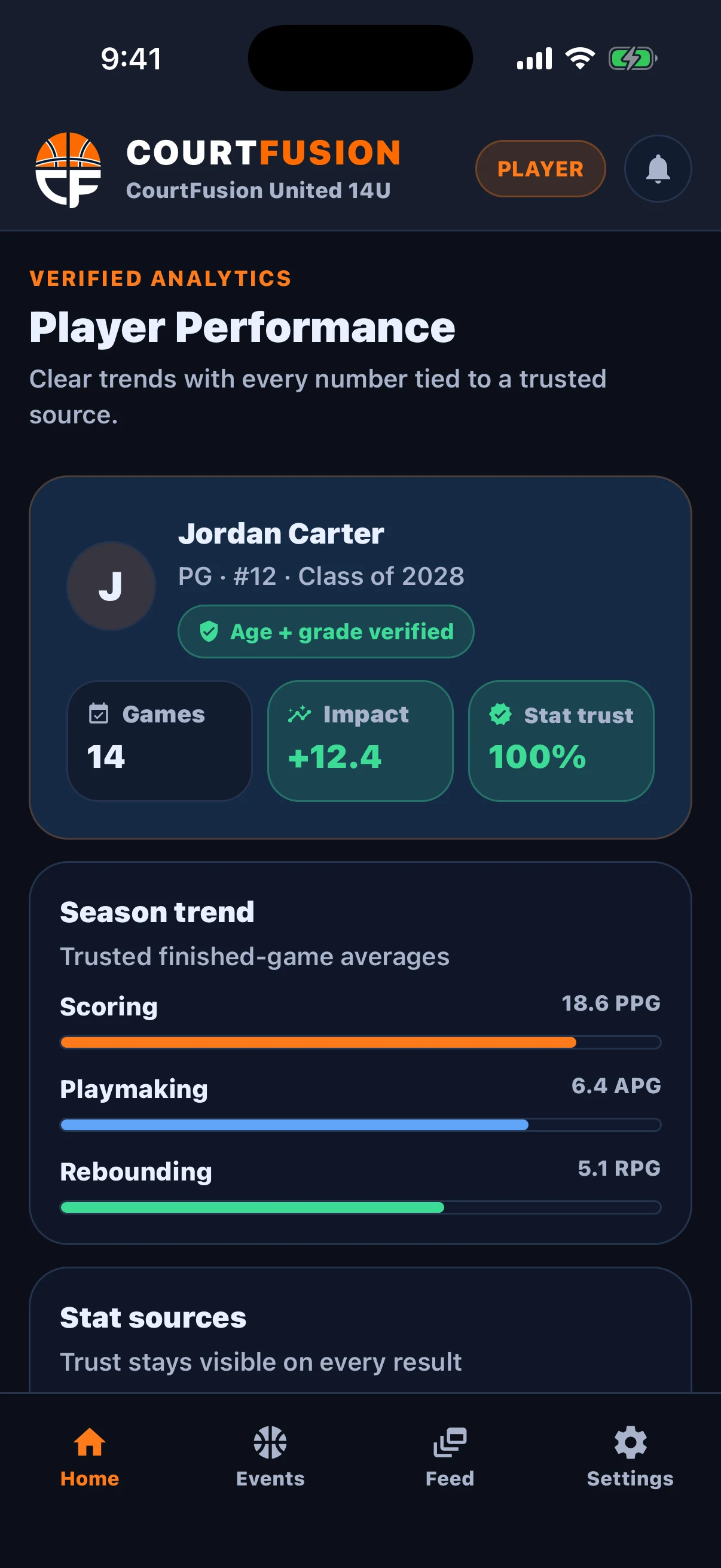
AI-Assisted Game Film Review
CourtFusion now brings full-game film into the coach workflow. Attach a game video, let the platform run eligibility checks, then review AI-assisted event suggestions, recap notes, and saved clips before anything becomes part of the record.
Attach full-game film
Connect game video directly to the CourtFusion game record before analysis starts.
Quality and eligibility checks
CourtFusion checks whether the footage is stable and complete enough for useful AI suggestions.
Coach review queue
Suggested events, clips, and confidence cues stay reviewable before they become part of the record.
Save confirmed insights
Confirmed events can feed player growth context, post-game review, and long-term team development.
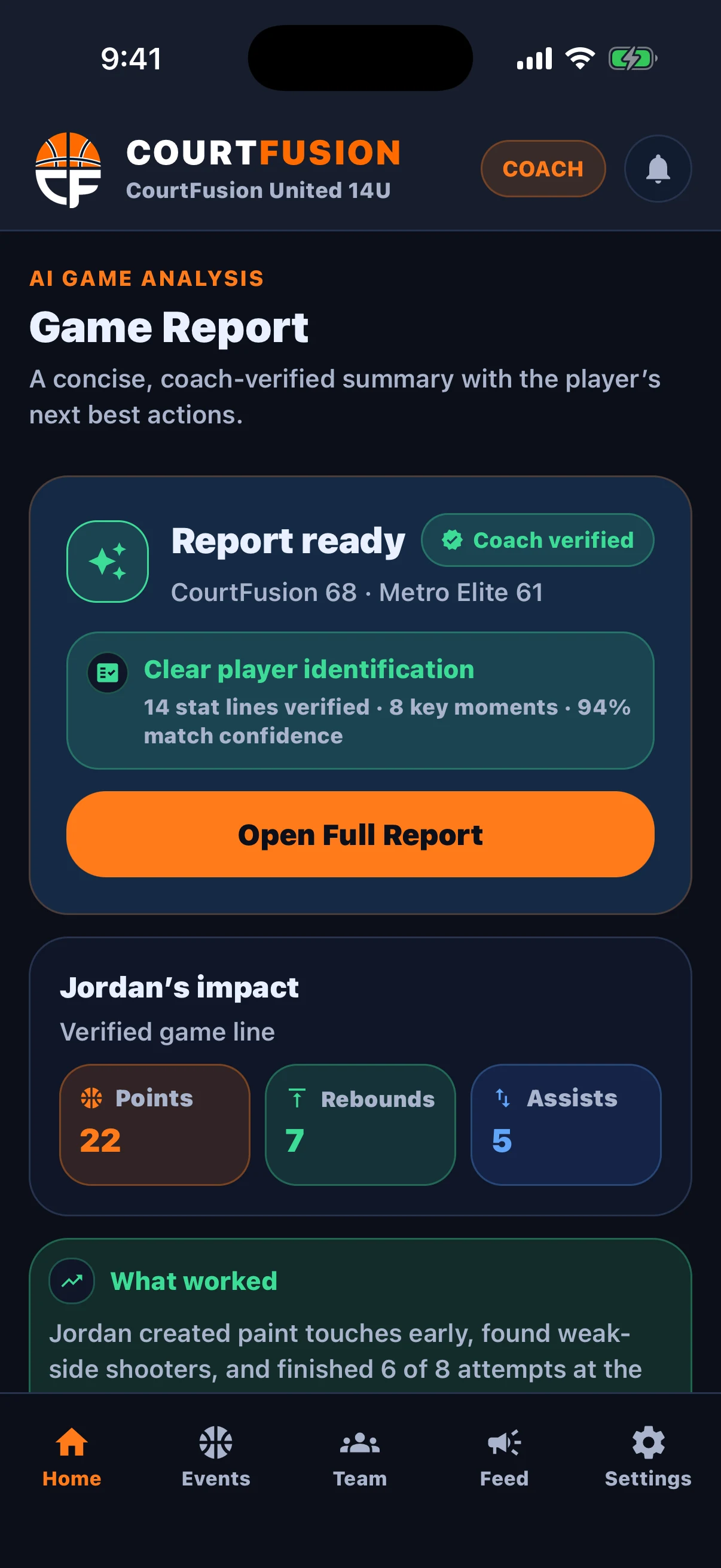
Upload → Analysis → Review
Coaches can see whether a film is queued, processing, or ready for review instead of guessing what the system is doing.
Review queue stays human-led
Suggested made shots, misses, turnovers, rebounds, and clip windows are presented for confirmation instead of being treated as official by default.
Coaches can move from raw video into recap questions, player impact, and what-to-review-next guidance without leaving the game workflow.
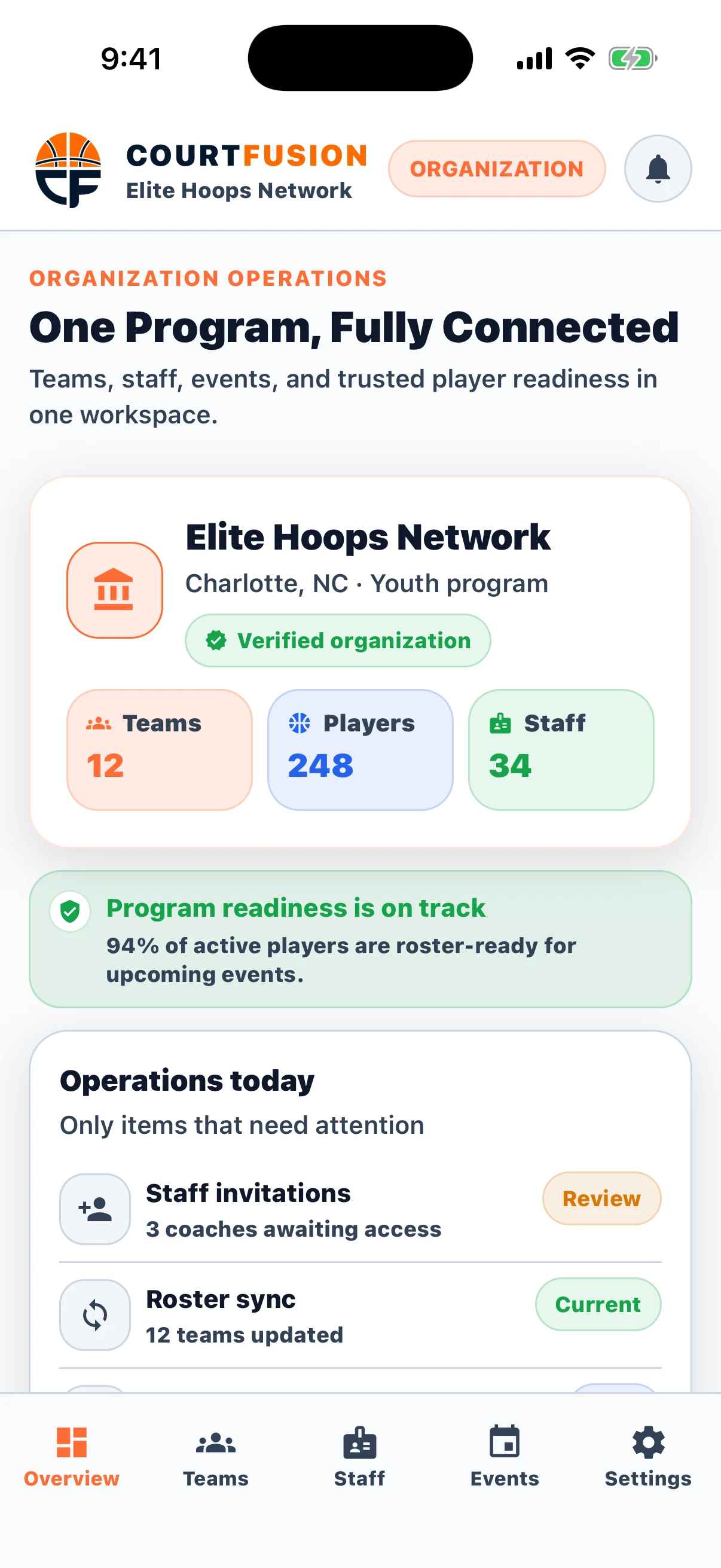
Complete Team Management
Everything you need to run a successful team in one place. From scheduling to communication, it's all here.
- Team Calendar & Events
Schedule practices, games, and events with attendance tracking
- Roster Management
Manage player profiles, contact info, and roles
- Training Tasks & Assignments
Assign drills, track completion, and keep development work connected to the team workflow
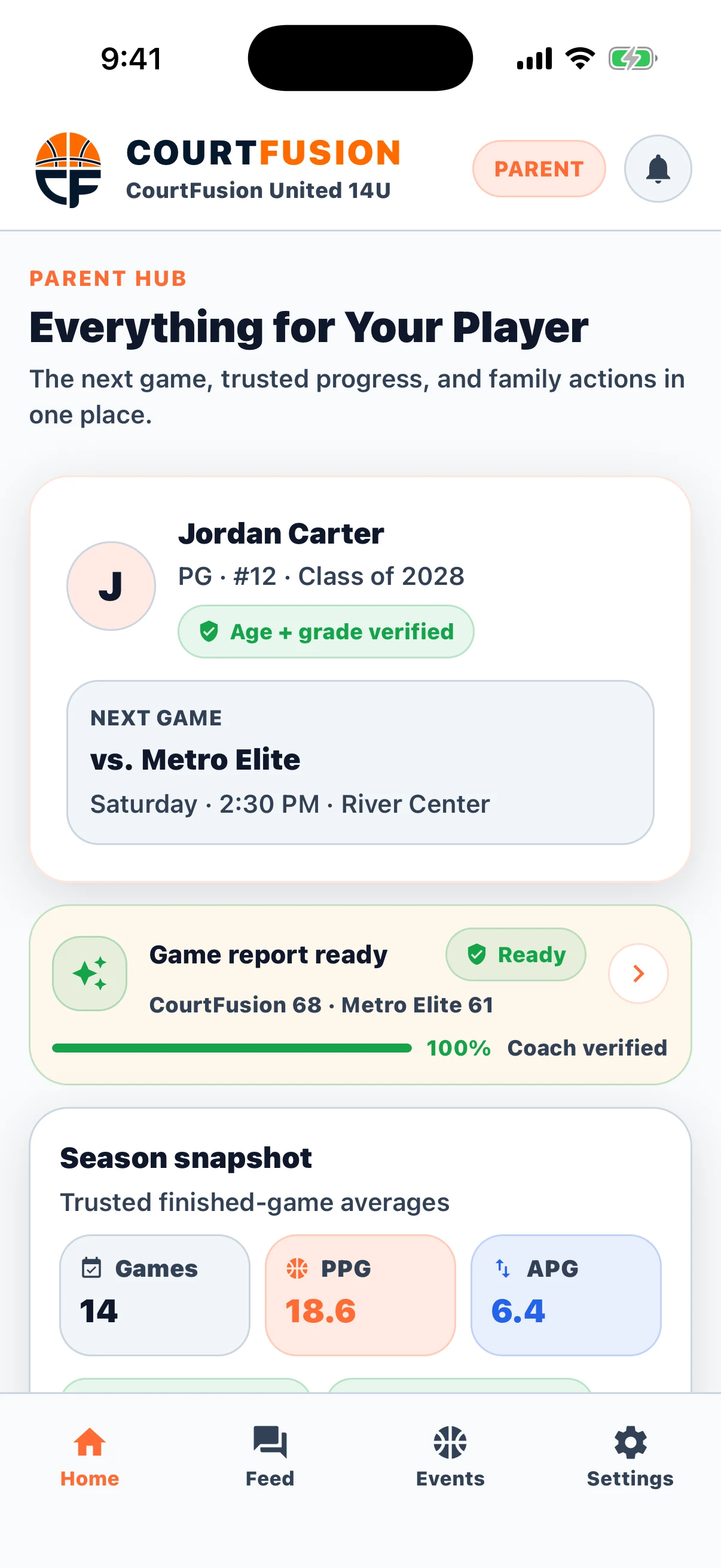
Roster and recruiting changes stay visible
New player requests, team acceptance, and family-facing approvals now happen inside the app instead of through scattered texts and side channels.
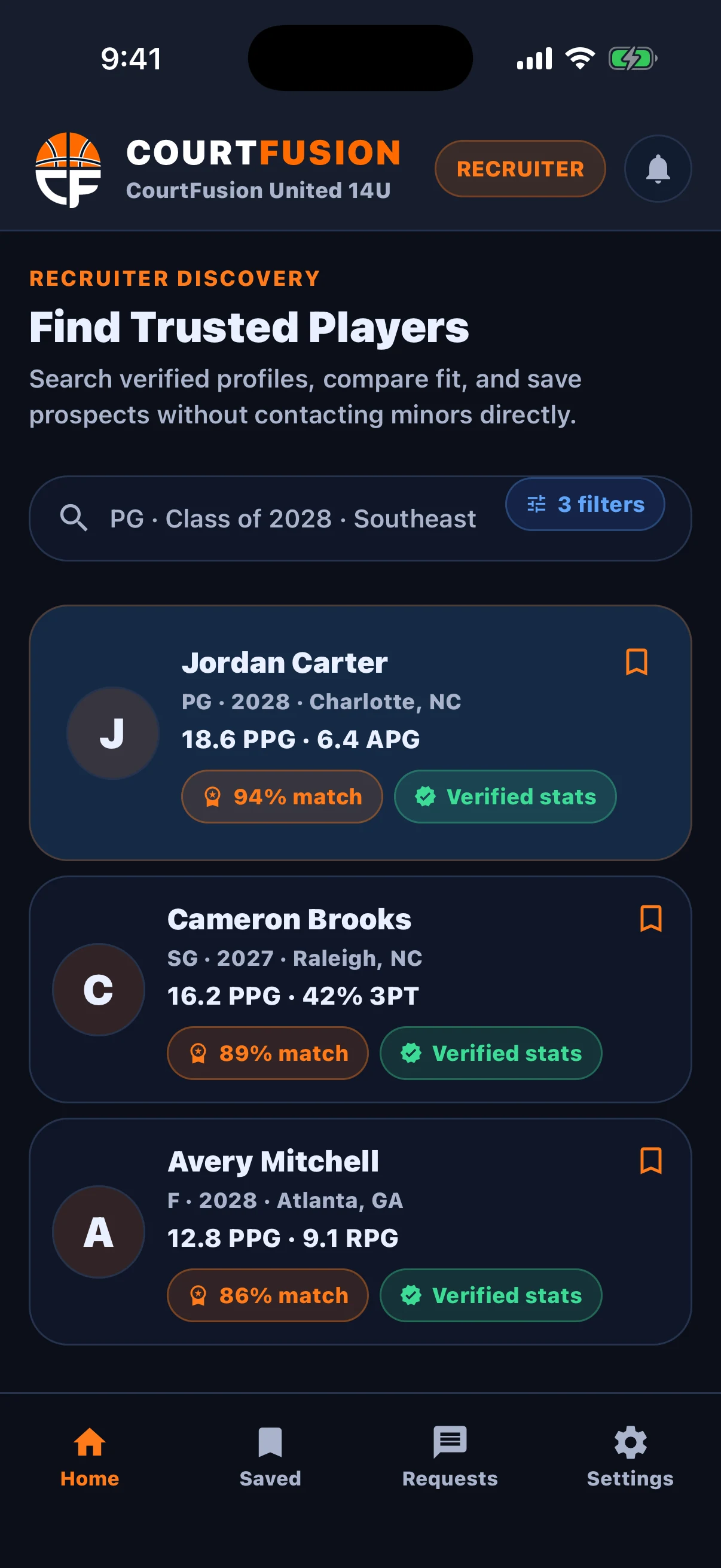
Seamless Parent & Team Communication
Keep everyone informed and engaged with announcements, approvals, and parent-safe workflows that are tied directly to the team record.
- Team Announcements
Send updates instantly to parents and players
- Targeted Messaging
Choose to message parents, players, or specific individuals
- Approvals and Team Requests
Families can approve team access and keep recruiting or roster updates inside the same workflow.
Data-Driven Development
Make informed coaching decisions with team and player analytics
Team Analytics
Track team performance metrics, win/loss records, and scoring trends over the season.
Player Comparisons
Compare players side-by-side to make lineup decisions and identify development needs.
Progress Tracking
Monitor individual player growth and improvement areas throughout the season.
Coach Tools Built for Efficiency
Save time and coach better with streamlined team management
Attendance Tracking
See who's coming to every practice and game
Drill Library
Save and share your favorite drills
Game Plans
Create and share strategy docs
Season Overview
Track standings and tournament progress
Ready to Elevate Your Coaching?
Join hundreds of coaches using CourtFusion to manage teams and develop players more effectively.